AUGVR
Real-time audio analysis and visualization, in your DAW or standalone.
No purchase required
- Free forever
- No license key required
- Compatible with all major DAWs
- Regular updates
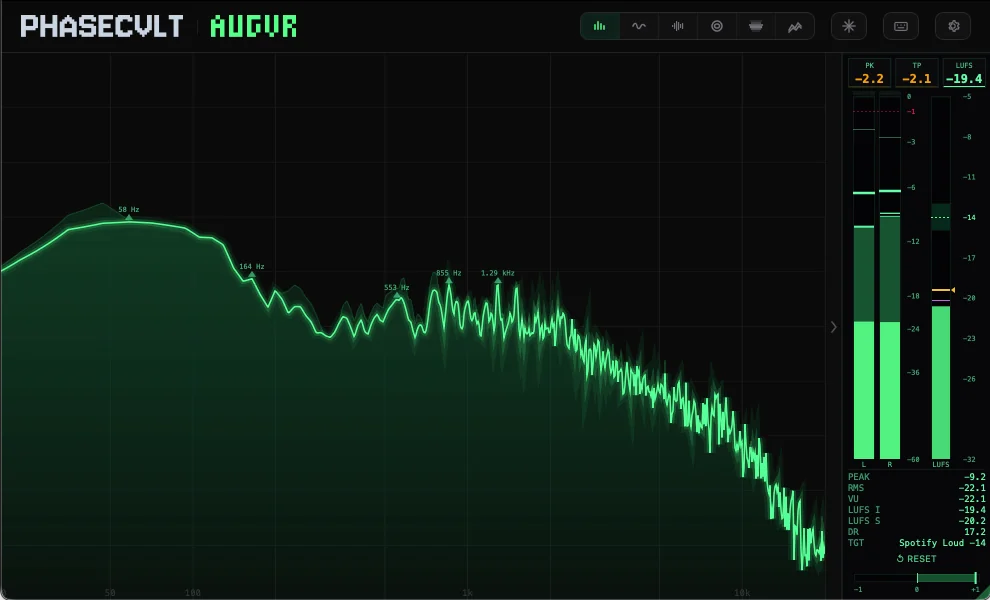
Select an entry below to read what each control does.
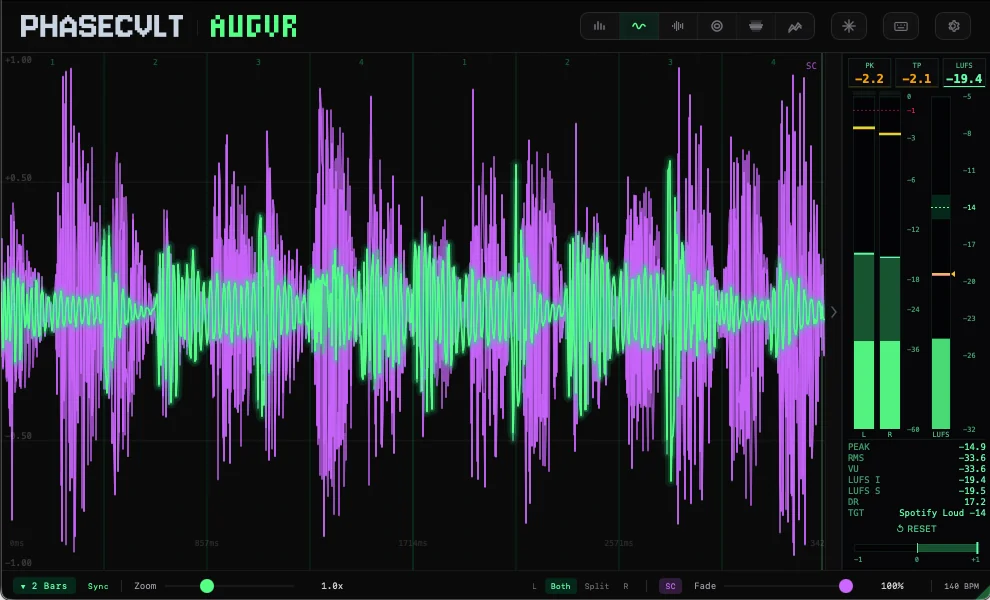
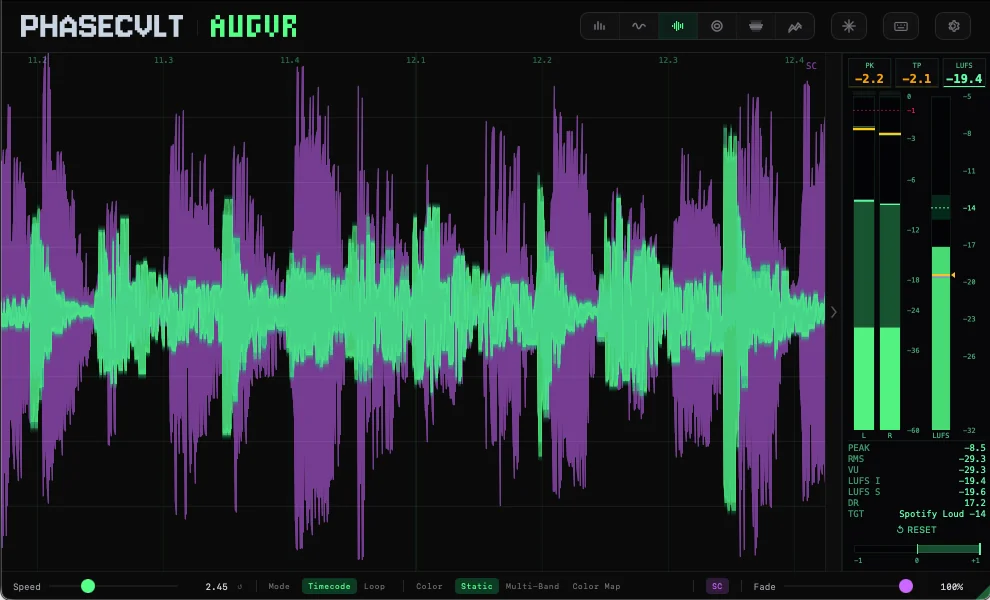
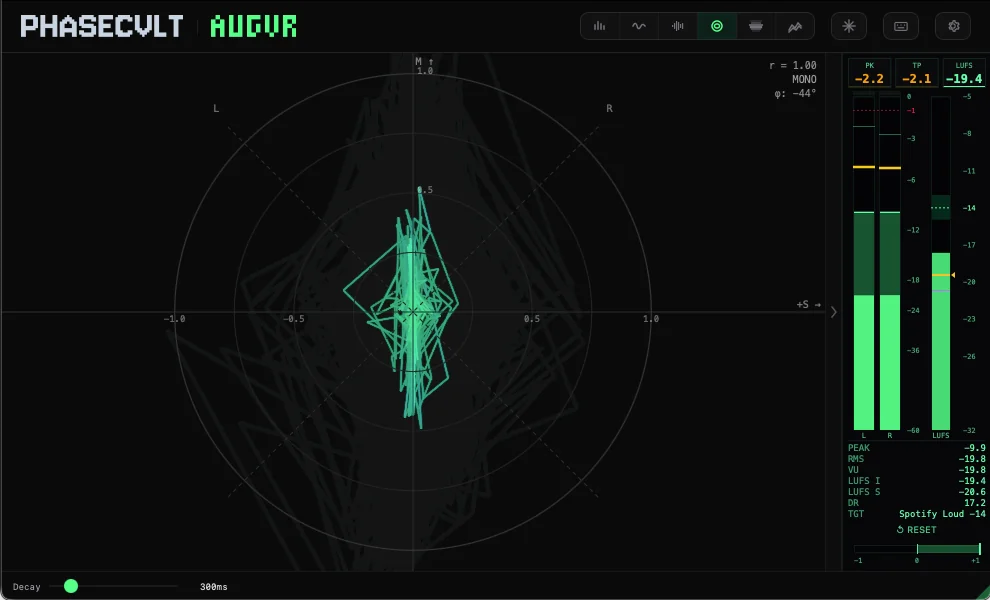
What it does
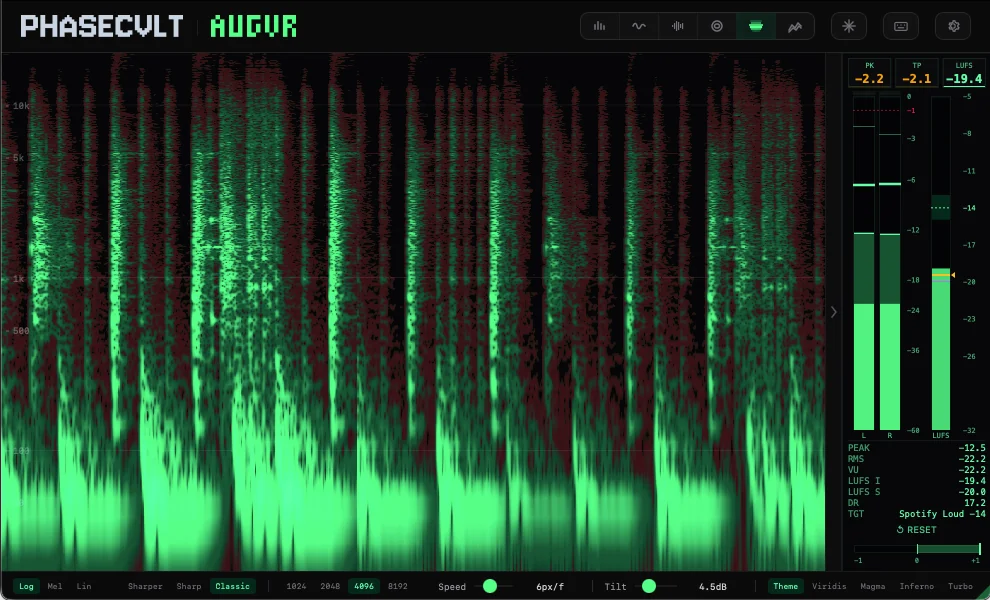
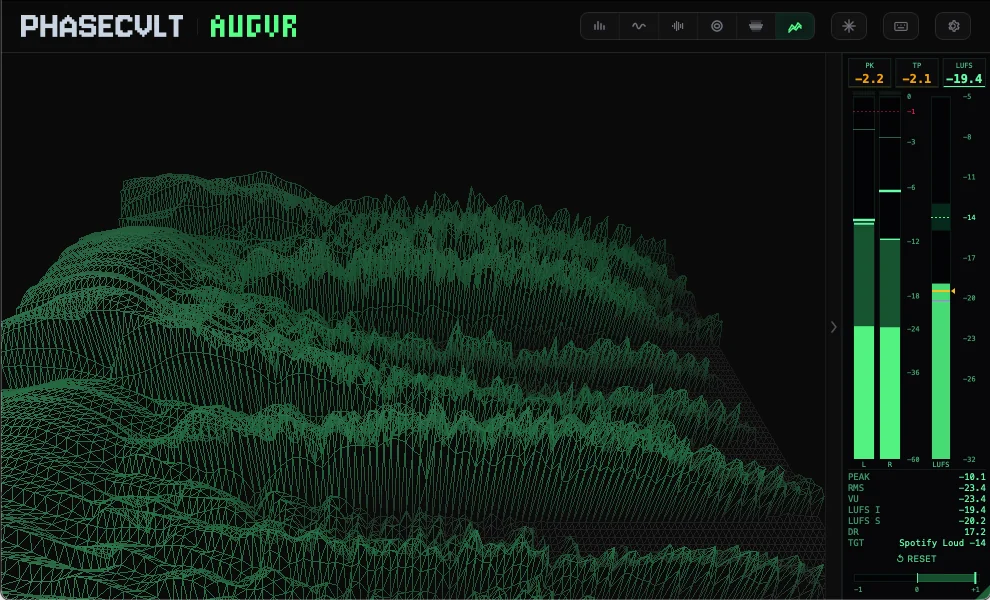
Drop AUGVR on any track, bus, or master. It passes audio through completely untouched while analyzing the signal in real time across multiple dimensions: frequency content, stereo image, loudness, phase correlation, and waveform shape.
Everything updates live at up to 60 fps. Freeze the display at any moment to inspect a specific point in time. Rotate, zoom, scrub, and find exactly what you're hearing.
New in this release: AUGVR runs as a standalone app to visualize system audio or any input device with no DAW required. Want to analyze your session instead? Load the AUGVR Server companion plugin (AU/VST3) on any track or bus, open the standalone, and pick "AUGVR Server (Plugin)" as the input. Your DAW audio streams in over a lock-free shared-memory ring with full tempo and transport sync, and zero added processing.
Key features
- Standalone App + AUGVR Server
- Run AUGVR as a standalone app to visualize system audio (ScreenCaptureKit on macOS, WASAPI loopback on Windows) or any input device. No DAW required. To analyze your session, load the AUGVR Server companion plugin (AU/VST3) on any track or bus; it pipes your DAW audio into the standalone over a lock-free shared-memory ring with zero added processing and full transport/tempo sync. Settings and state persist across sessions.
- Full LUFS Metering Suite
- ITU-R BS.1770-4 / EBU R128 compliant. Momentary (400 ms), Short-Term (3 s), Integrated (gated from transport start), plus Peak (PK) and True Peak (TP) readings. Reference line at -14 LUFS for streaming platform compliance.
- Tempo-Synced Oscilloscope
- Lock the oscilloscope time window to your DAW's tempo, from 1/16 note up to 32 bars, with triplet and dotted divisions. Four trigger modes (free-running, rising edge, falling edge, peak hold) and up to 10x vertical zoom. 16,384-sample stereo buffer.
- Spectrum Auto-Peak Detection & Frequency Pinning
- Auto-peak mode highlights the five most prominent frequencies automatically. Click anywhere on the spectrum to pin a frequency marker. It snaps to the nearest peak. Markers show frequency and dB readout in real time. Reassign or delete with a click.
- Sidechain Analysis Overlay
- Accept an optional sidechain input and overlay its waveform on the oscilloscope in a distinct color. Visually compare phase relationships, timing, and transient alignment between your main signal and the sidechain source. Toggle from the toolbar.
- Oscilloscope Channel Modes
- Display left, right, both, or split-channel views. See exactly what each channel is doing independently or overlaid for direct comparison. Essential for stereo imaging work.
- Freeze & Zoom
- Pause any visualization to inspect a specific moment. Zoom and scrub through the frozen state to find exactly what you're hearing. Works across all six modes.
- Seven Color Themes + Custom Palette
- Built-in presets (Red, Green, Yellow, Blue, White, Cyberpunk, Purple) or pick your own custom colors for six independent channels: Main, Dark, Light, Dim, Clip, and Sidechain.
- Resizable, Zero-Latency
- Default window 990×600, scalable up to 4096×2560. Settings persist with your DAW session. Adjustable frame rate from 12 to 60 fps. Pure analysis: no added latency, no coloration of your signal.
See it in action
System requirements
- macOS
- 13+ (Universal Binary)
- Windows
- 10+
- Plugin Formats
- VST3 / AU / Standalone
- DAW Compatibility
- Any VST3/AU compatible DAW
- CPU
- Apple M1 / Intel i5 or equivalent
- RAM
- 4 GB minimum
- Disk
- 100 MB
Ready to try
AUGVR?
Download AUGVR for free. Drop it on any track and start analyzing. No license key, no strings attached.